
Which 3D Printing Accessories Should Beginners and Professionals Invest In?
Key Features
- Accessories such as nozzle kits, bed adhesives, and calibration tools directly improve dimensional accuracy and surface finish.
- Proper maintenance tools and spare parts (like extruders and belts) reduce downtime and prolong printer lifespan.
- Filament dryers, storage boxes, and automated leveling sensors streamline the printing process, saving time and reducing errors.
- Add-ons like dual extruders, upgraded hotends, and enclosures enable advanced materials, multi-color printing, and consistent results.
Have you ever wondered why some 3D prints look flawless while others suffer from warping, stringing, or poor adhesion, even when using the same printer? The difference often lies not just in slicer settings or filament quality but in the accessories and upgrades that complement the 3D printer. From calibration aids to advanced extruders, these add-ons turn an average printer into a professional-grade production tool.
Quick Answer
3D printing accessories improve print quality, extend printer lifespan, and enable material versatility. Essential tools include calibration kits, filament storage, nozzle upgrades, and enclosures.
According to Statista (2024), the global 3D printing market is expected to reach USD 37.2 billion by 2026, growing at a compound annual growth rate (CAGR) of 20.8%. While printers and filaments capture most attention, industry reports indicate that 30–40% of professional 3D printing investments go into accessories, upgrades, and maintenance tools. This demonstrates how crucial they are for ensuring reliability, scaling operations, and expanding material capabilities.
Research by Wohlers Associates (2023) found that 72% of companies using 3D printing regularly invest in accessories like filament dryers, enclosures, and specialized nozzles. These investments lead to fewer failed prints and reduced material wastage, two of the most significant challenges in additive manufacturing. Simply put, without the right accessories, even the best 3D printer cannot reach its true potential.
Why Are 3D Printing Accessories So Important?
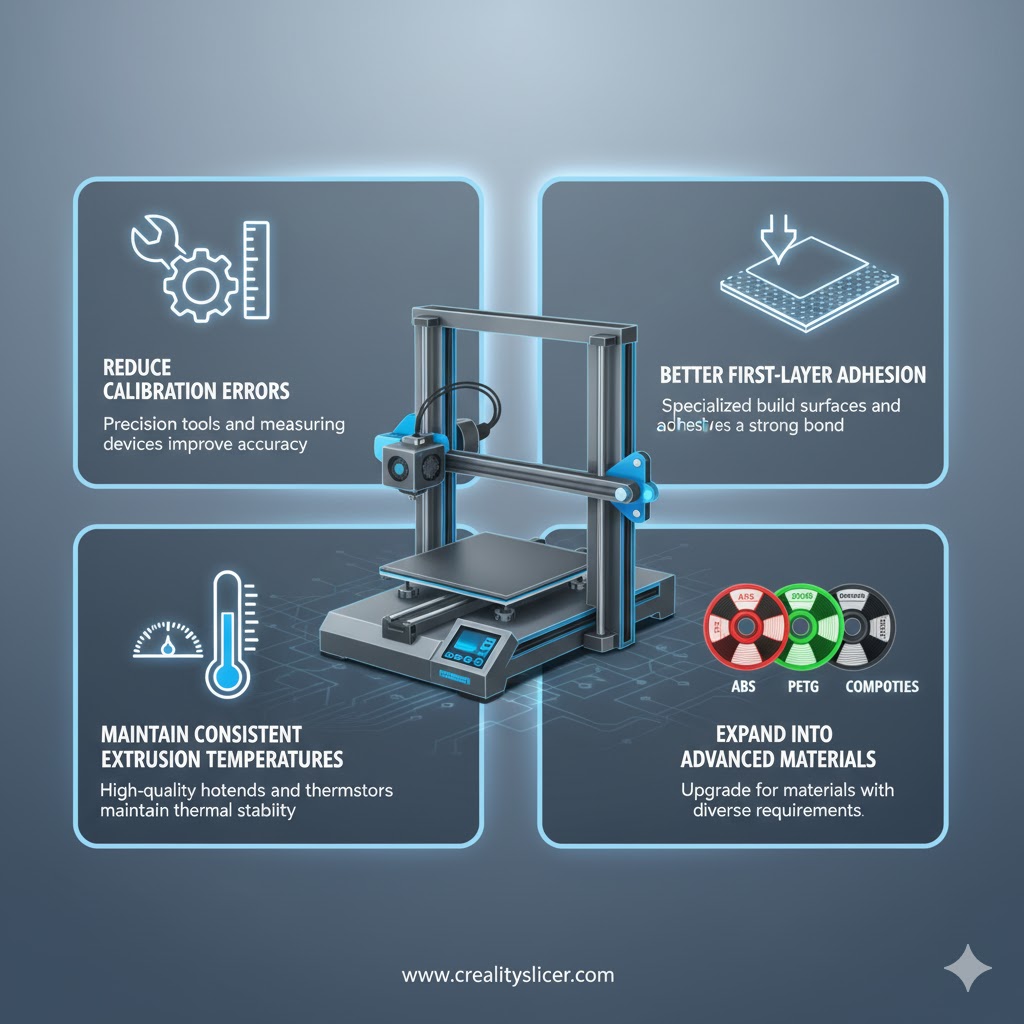
Accessories bridge the gap between raw machine capability and real-world performance. While a printer alone can produce basic prototypes, accessories allow users to:
- Reduce calibration errors.
- Achieve better first-layer adhesion.
- Maintain consistent extrusion temperatures.
- Expand into advanced materials like ABS, PETG, Nylon, or composites.
Without these, print failures can increase costs, delay production, and compromise accuracy.
What Are the Must-Have Accessories for Every 3D Printing Setup?
Before diving into advanced upgrades, it’s important to understand the core accessories that every 3D printer owner should have. These essentials form the backbone of reliable, high-quality printing and help prevent common failures.
Build Plate Adhesion Tools
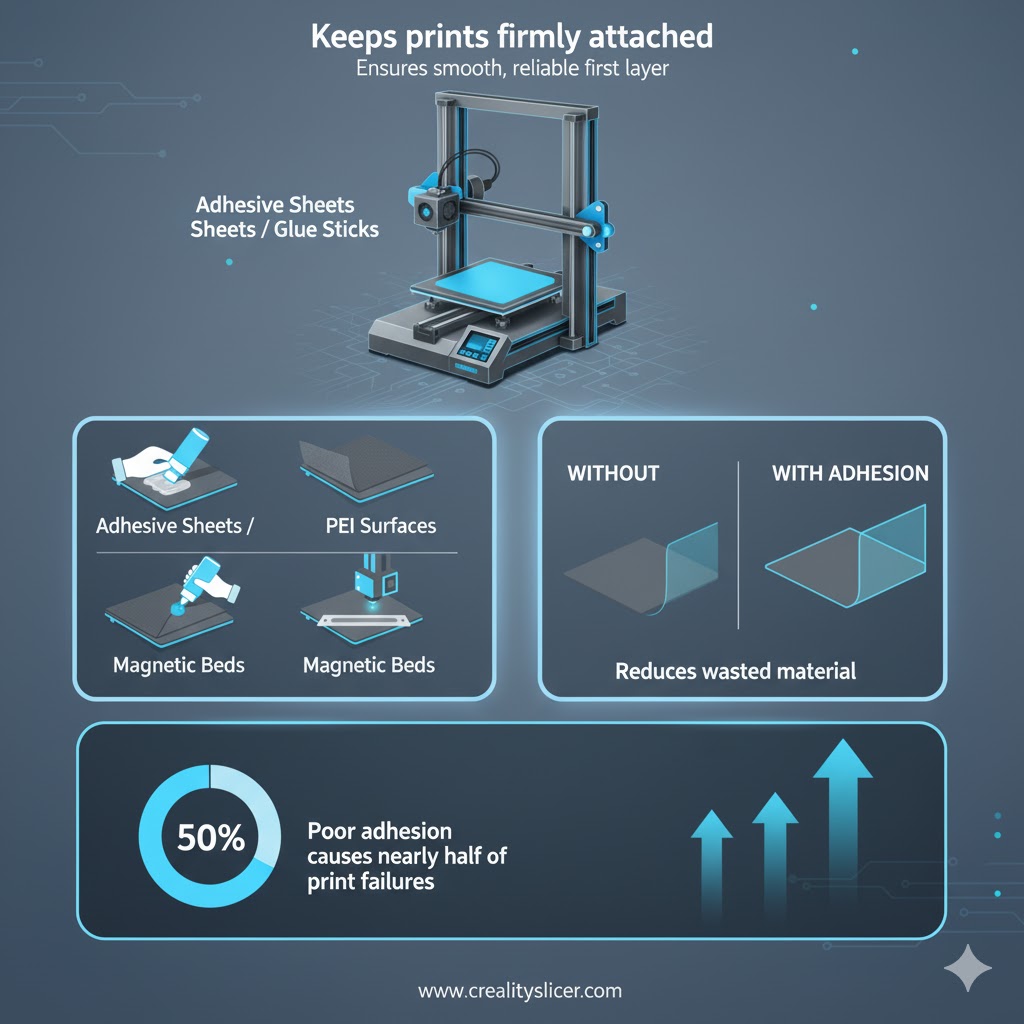
A strong first layer is the foundation of any successful print. Adhesive sheets, PEI build surfaces, or glue sticks ensure parts stay firmly attached to the print bed during the process. Without them, prints risk curling or detaching midway, wasting both time and filament.
Why It Matters: Poor adhesion is responsible for nearly half of print failures. Reliable adhesion tools reduce wasted material, save hours of reprinting, and ensure a smooth start for every project.
Nozzle Upgrade Kits
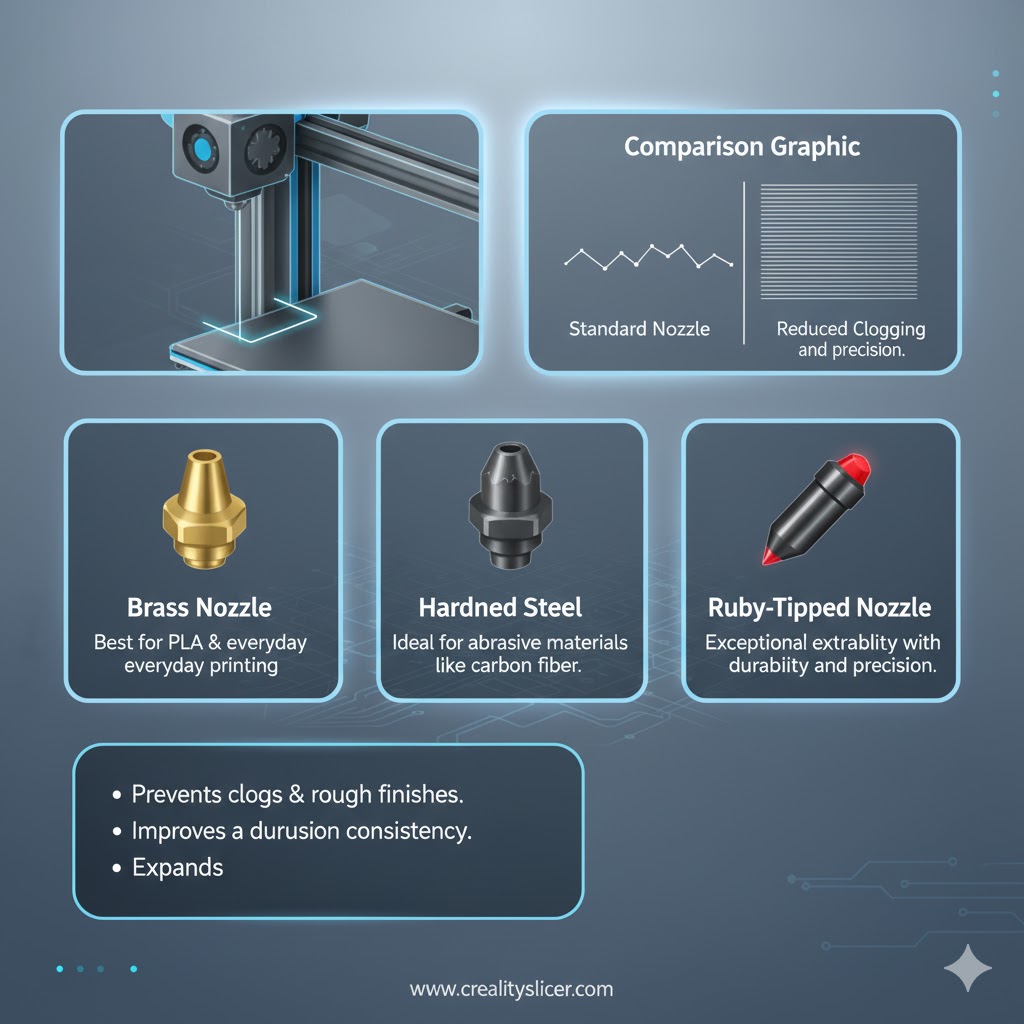
Different materials demand different nozzles. Hardened steel or ruby-tipped nozzles withstand abrasive filaments like carbon fiber, while brass nozzles excel with standard PLA. Upgrading nozzles helps achieve consistent extrusion and prevents premature wear that leads to clogs and rough finishes.
Why It Matters: A clogged or worn-out nozzle compromises layer precision and print strength. High-quality nozzles expand material compatibility and deliver more reliable, professional-grade results.
Filament Drying and Storage Solutions
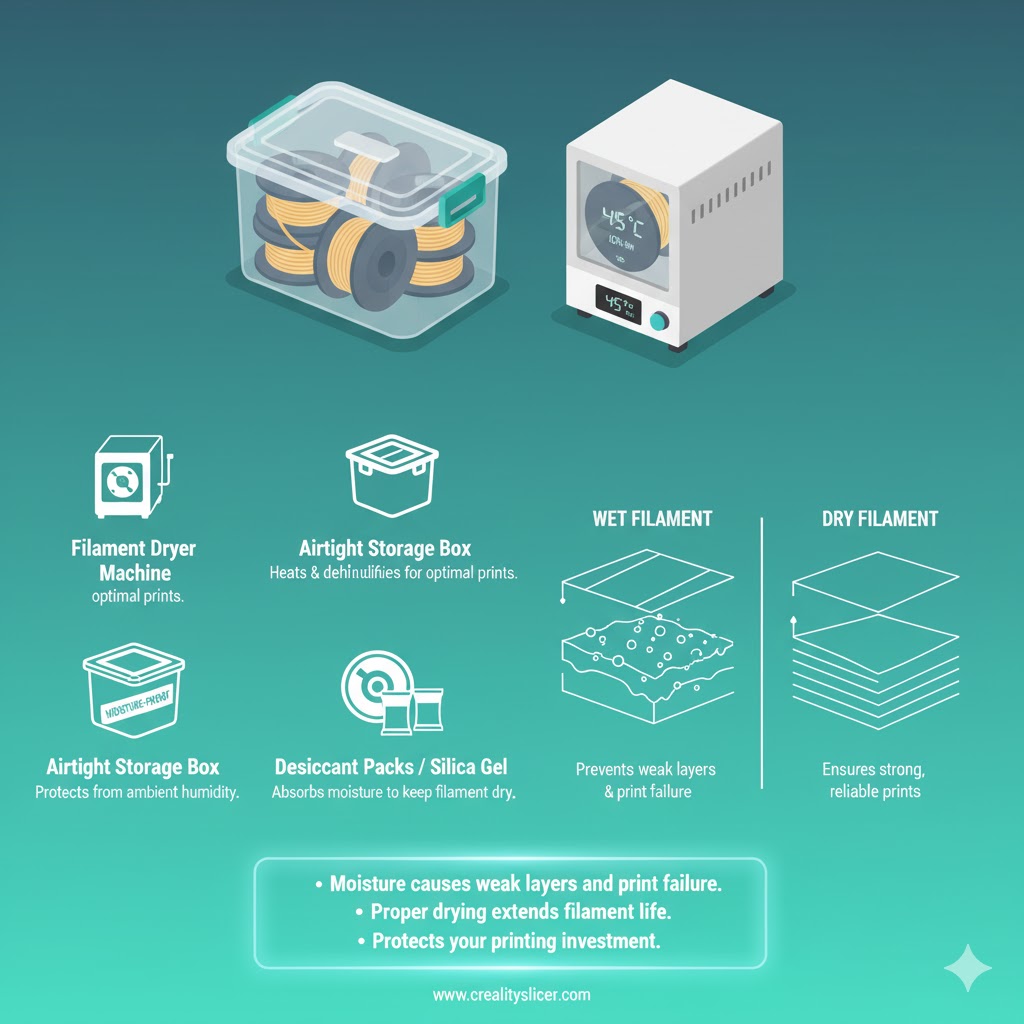
Moisture is the hidden enemy of 3D printing. Filament dryers and airtight storage boxes prevent water absorption, which can cause bubbling, weak layers, and failed prints. Keeping filament dry extends its shelf life and ensures reliable, high-quality results every time.
Why It Matters: Even a small amount of absorbed moisture can ruin an entire spool of filament. Proper drying and storage protect your investment and maintain consistent print performance. If you’re a Mac user running slicer software or filament-management tools, you might notice occasional slowdowns. Here’s a quick guide on how to reduce RAM usage on Mac to keep everything running smoothly.
Auto-Bed Leveling Sensors
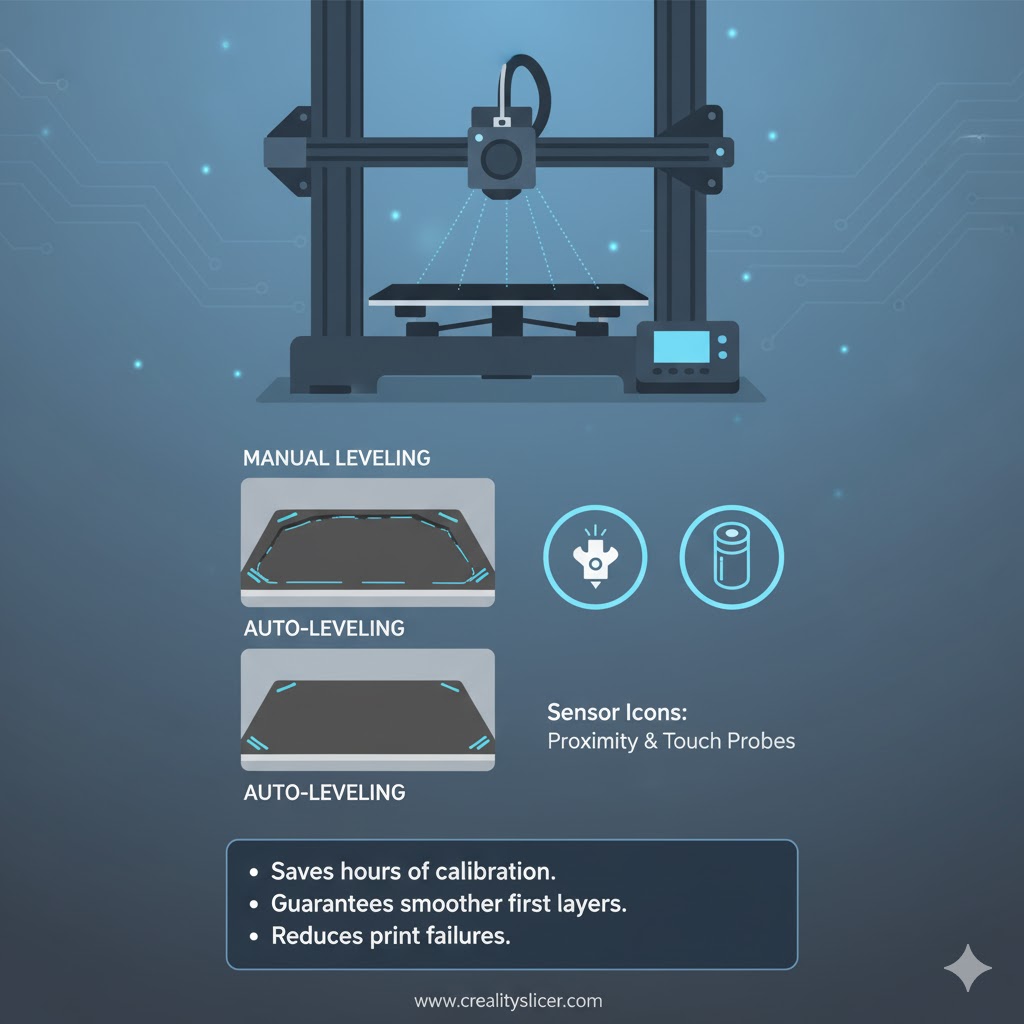
Manual leveling can be frustrating and error-prone, especially for beginners. Auto-bed leveling (ABL) sensors automatically adjust the print bed to maintain a uniform distance from the nozzle. This saves hours of calibration and guarantees smoother first layers with fewer failures.
Why It Matters: Uneven beds cause poor adhesion, uneven layers, and warped prints. Auto-leveling ensures precision from the start, reducing user frustration and boosting overall reliability.
Enclosures for Temperature Control
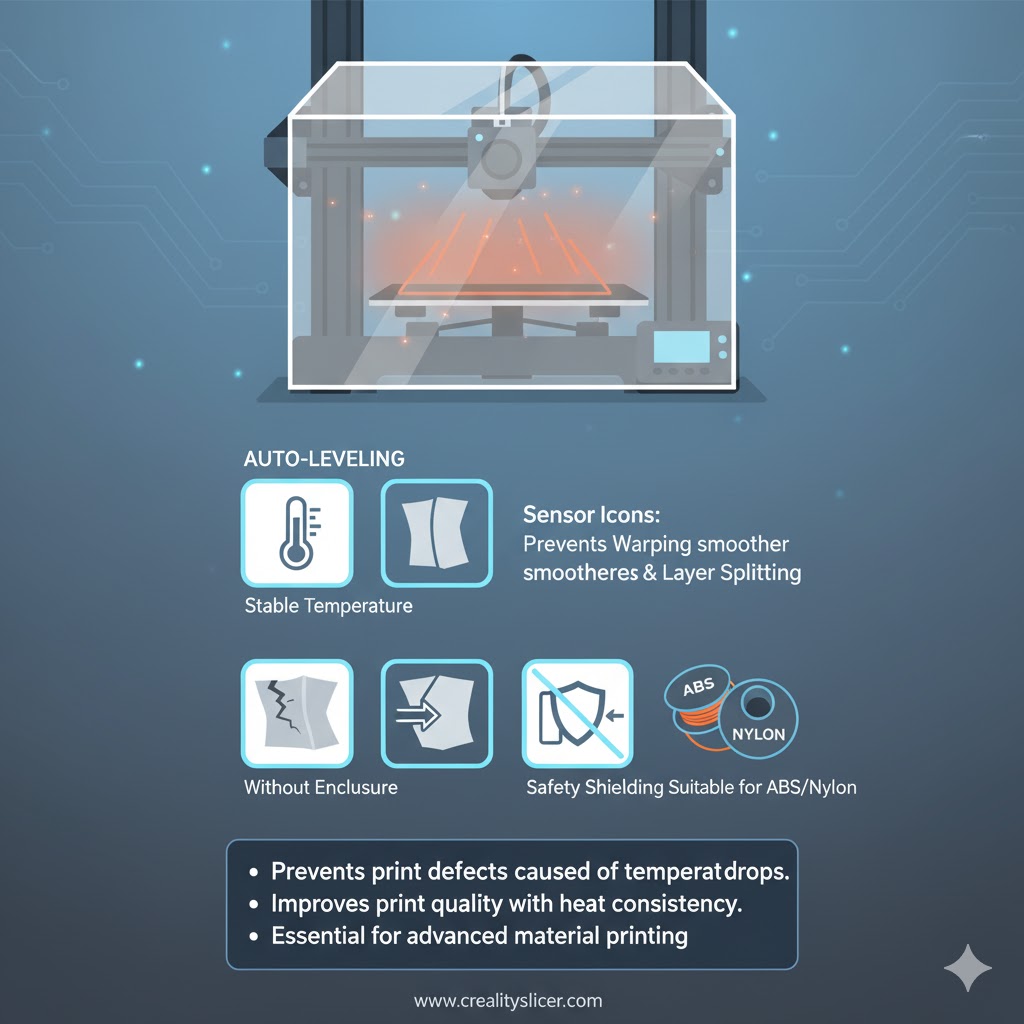
Printing with materials like ABS or Nylon requires a stable environment. Enclosures trap heat and block drafts, preventing warping, layer splitting, and fumes from escaping. They are essential for consistent results and also improve safety in indoor setups.
Why It Matters: Without stable temperature control, high-performance materials often fail. Enclosures improve success rates, reduce defects, and make advanced printing possible at home or in workshops.
Post-Processing and Finishing Tools
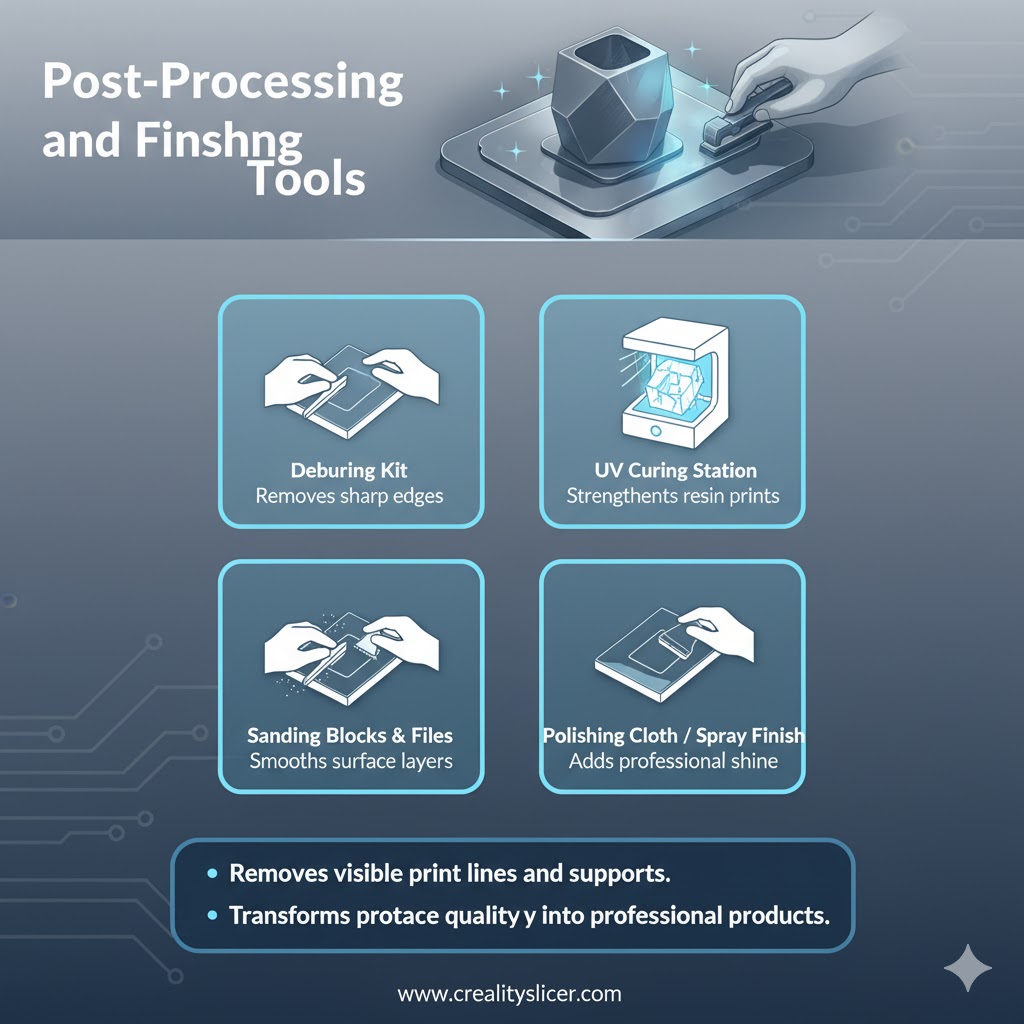
The journey doesn’t end when the printer stops. Tools like deburring kits, UV curing stations (for resin prints), and sanding blocks help achieve a polished, professional finish. These accessories elevate prototypes into presentation-ready models or functional end-use parts.
Why It Matters: Raw prints often have visible lines, supports, or surface imperfections. Finishing tools transform rough prototypes into high-quality, functional, and visually appealing products.
Spare Parts and Maintenance Kits
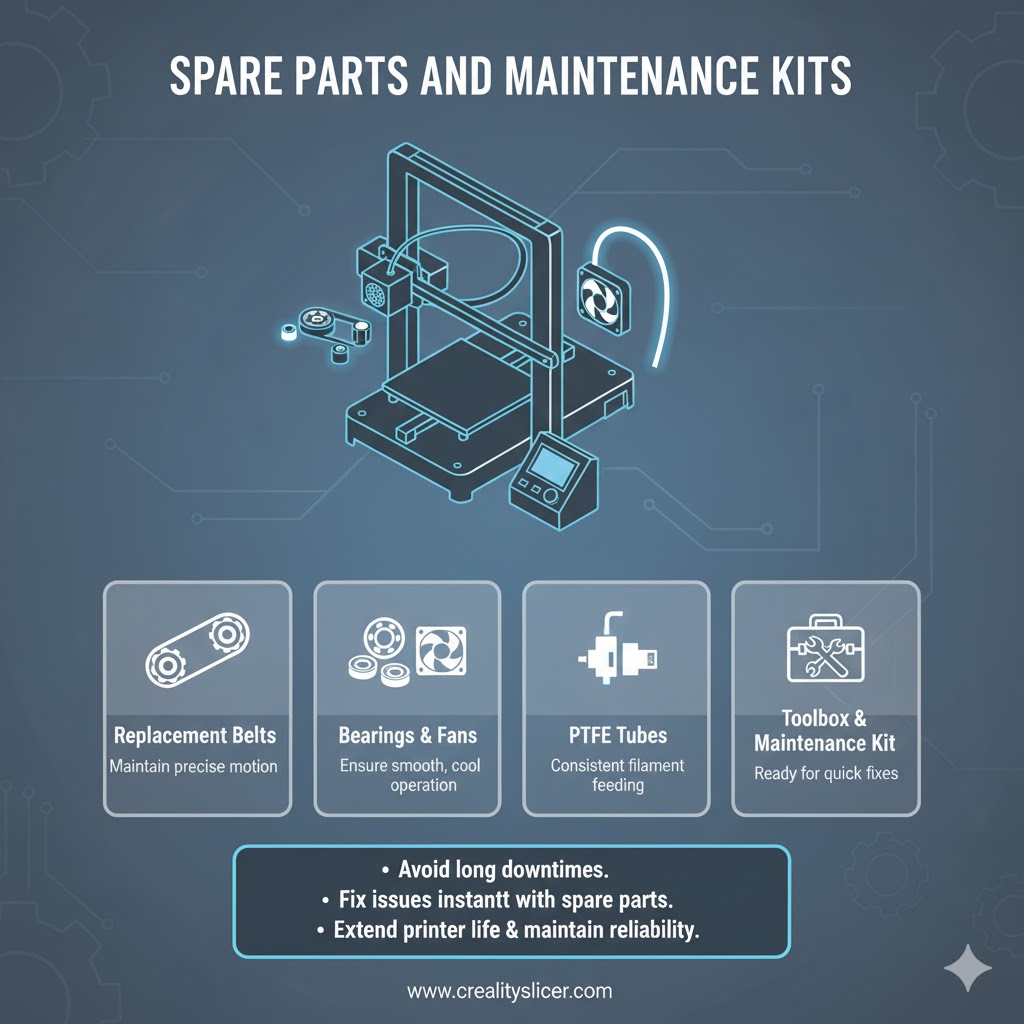
Every printer eventually faces wear and tear. Belts, bearings, fans, and PTFE tubes need replacing to maintain smooth operation. A well-stocked maintenance kit ensures you can fix issues immediately without halting projects.
Why It Matters: Without spare parts, a minor breakdown can cause days of downtime. Having maintenance kits ready reduces interruptions and extends the life of your 3D printer.
Cooling Fans and Upgraded Ventilation
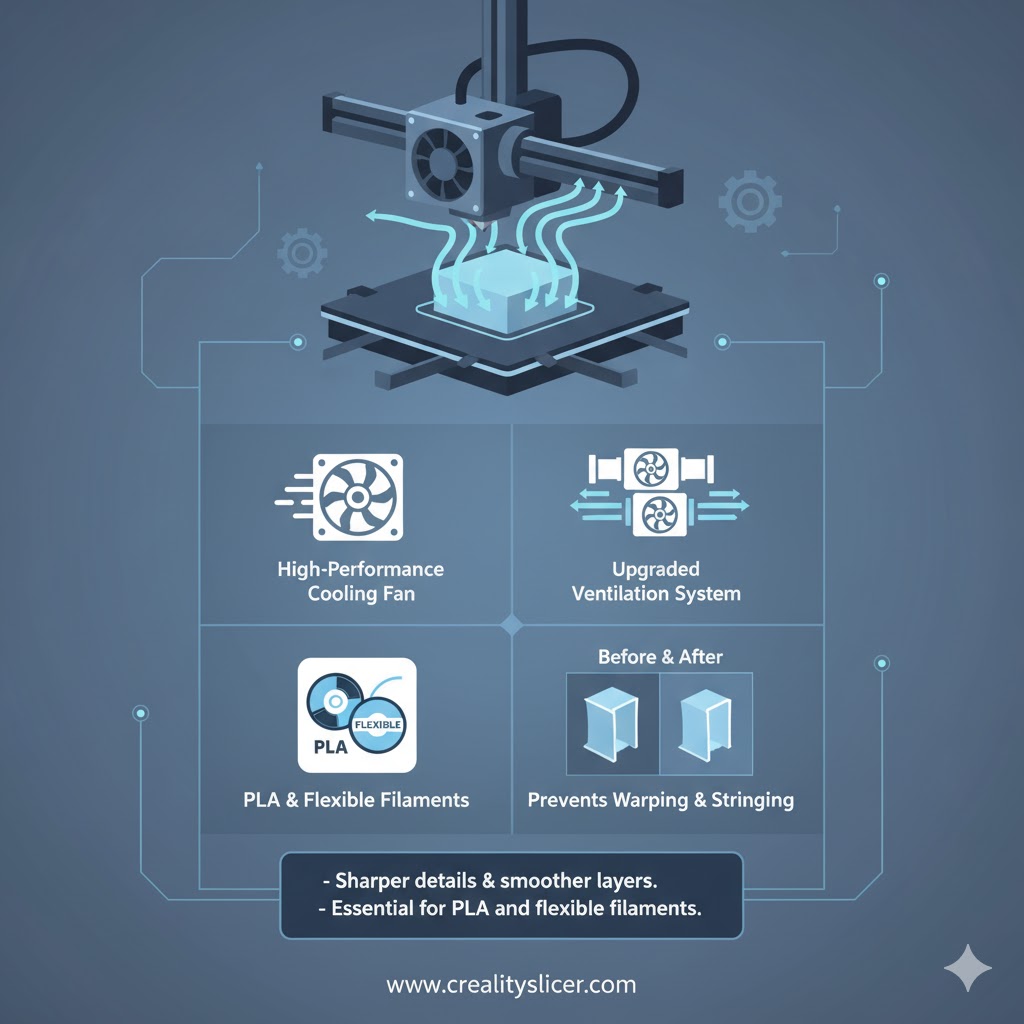
Consistent cooling during printing prevents sagging, stringing, and deformed layers. High-quality part-cooling fans improve surface finish and allow for better bridging in complex designs. They are especially important for PLA and flexible filaments.
Why It Matters: Poor cooling leads to sloppy prints and weak structural integrity. Upgraded fans deliver sharper details and reliable results, especially for intricate models.
Digital Calipers and Measuring Tools
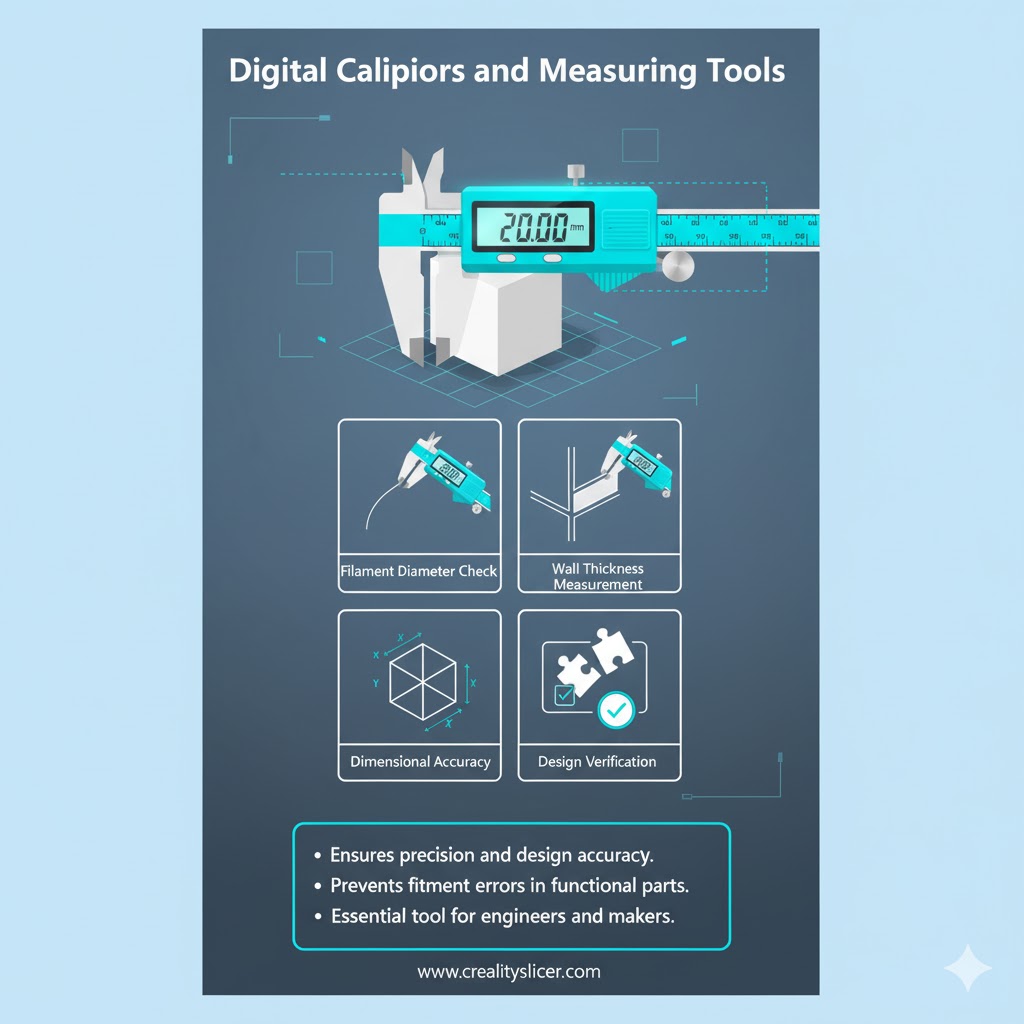
Accuracy in 3D printing starts with precise measurements. Digital calipers help verify filament diameter, check wall thickness, and measure calibration cubes for dimensional accuracy. This accessory is vital for engineers and designers.
Why It Matters: Without accurate measurements, parts may not fit or function as intended. Calipers ensure that prototypes meet design tolerances and save rework costs.
Safety Gear and Air Filters
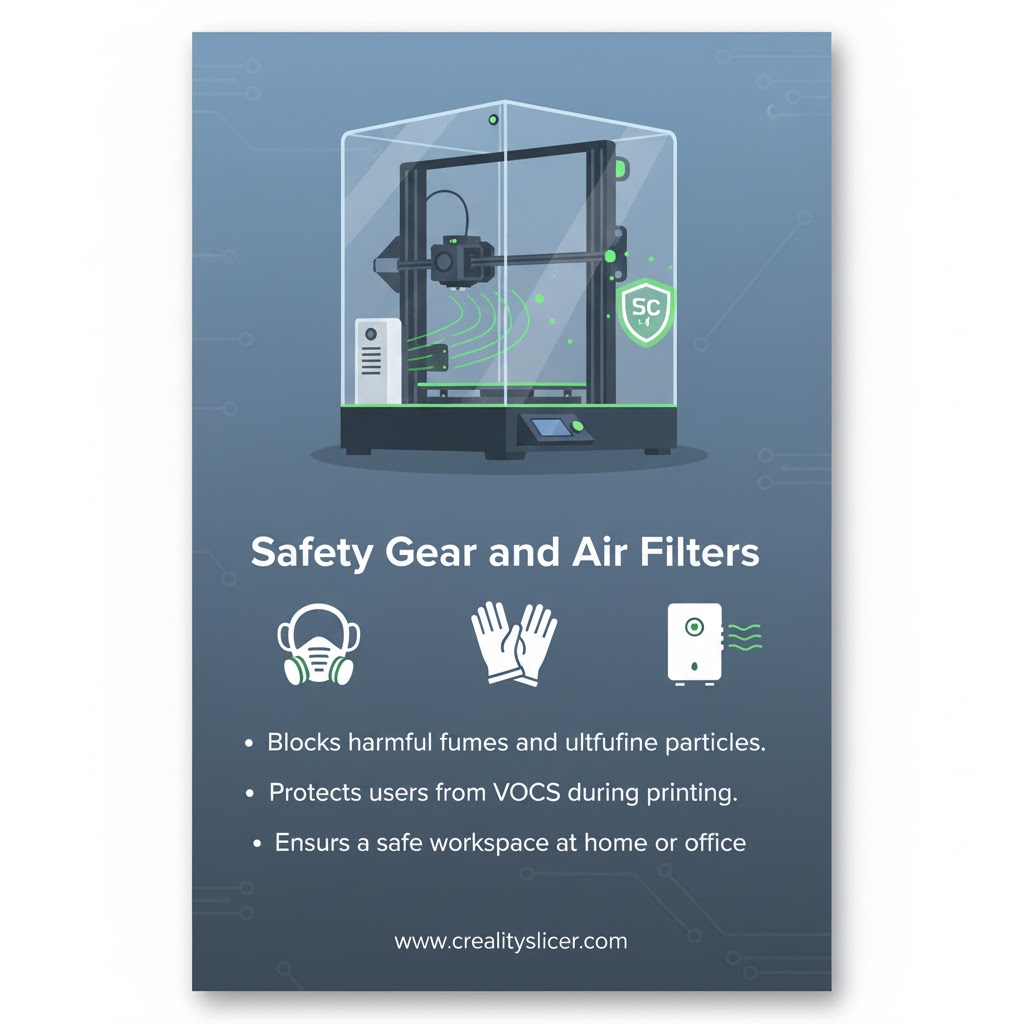
3D printing can release ultrafine particles (UFPs) and volatile organic compounds (VOCs), especially when using ABS or Nylon. Safety gear such as masks, gloves, and HEPA/carbon filters protect users from harmful fumes.
Why It Matters: Safety is often overlooked but essential. Air filtration and protective equipment make 3D printing safer for home, office, or school environments, especially in enclosed spaces.
What Are the Latest Innovations in 3D Printing Accessories?
The world of 3D printing is evolving rapidly, and accessories are keeping pace with smarter, safer, and more versatile designs. From AI-driven sensors to modular tool heads, these innovations push the boundaries of what printers can achieve.
AI-Driven Auto-Leveling Sensors
Modern 3D printers are adopting AI-powered auto-leveling systems that detect even the smallest deviations in real time. These sensors ensure flawless first layers without user intervention, reducing calibration errors. By learning from each print, they adapt to machine behavior and enhance consistency.
Smart Filament Dryers with IoT Monitoring
Moisture management is entering the smart era with IoT-enabled filament dryers. These devices monitor humidity and temperature through connected apps, allowing users to track filament conditions remotely. This innovation ensures filament integrity and minimizes print failures caused by absorbed moisture.
Modular Tool Heads for Multi-Functionality
Some printers now support modular tool heads that can switch between FDM printing, CNC milling, and even laser engraving. This versatility transforms a 3D printer into a multi-purpose fabrication hub. For makers and professionals, it reduces the need for multiple machines while expanding creative possibilities.
Air-Filtered Enclosures for Safe Printing
As awareness of 3D printing emissions grows, air-filtered enclosures are becoming essential. These enclosures stabilize temperatures while filtering harmful ultrafine particles and VOCs released by materials like ABS or Nylon. They not only improve print quality but also protect users in home, office, and classroom settings.
Best Tips and Tricks for Using 3D Printing Accessories
Here’re some practical tips that will help you maximize performance, reduce print failures, and extend the life of your equipment.
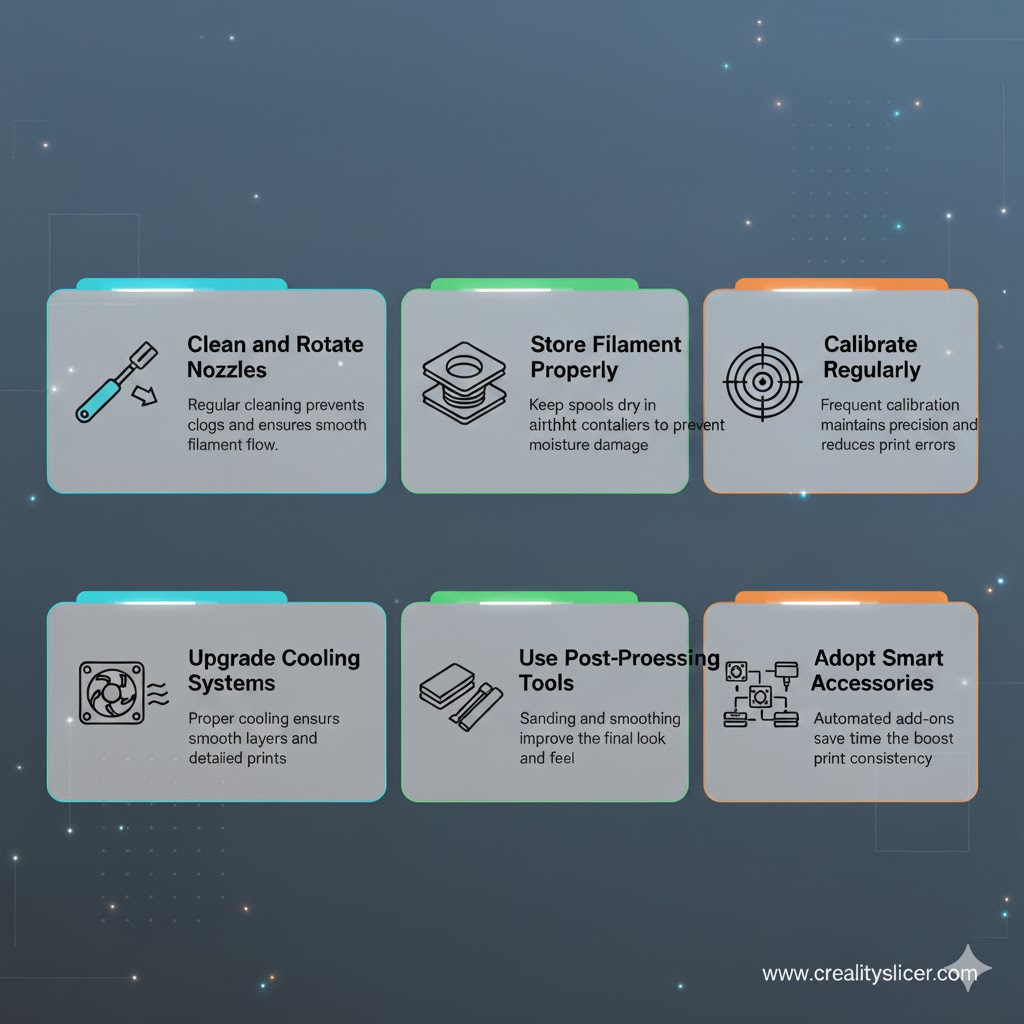
- Clean and Rotate Nozzles: Regularly clean nozzles with a wire brush or cleaning filament, and switch between brass, steel, or specialty nozzles depending on the material.
- Store Filament Properly: Use airtight containers with silica gel packs, and always dry spools before printing to avoid moisture-related print failures.
- Calibrate Regularly: Test with calibration cubes, temperature towers, and flow rate checks to maintain dimensional accuracy and smooth printing.
- Upgrade Cooling Systems: Install high-quality part-cooling fans and fine-tune slicer fan speeds for sharper edges, reduced stringing, and better overhangs.
- Use Post-Processing Tools: Improve surface finish with sanding, polishing, or UV curing; deburr edges for professional-looking final parts.
- Adopt Smart Accessories: Take advantage of IoT-enabled dryers and monitoring apps to track temperature, humidity, and printing conditions in real time.
Final Words
The evolution of 3D printing accessories reflects the shift of additive manufacturing from a hobbyist tool into a cornerstone of modern production. As technology advances, accessories will not only enhance precision and efficiency but also make 3D printing more sustainable, accessible, and safe for diverse industries. By staying ahead of these developments, users can unlock new levels of creativity and ensure their setups remain future-ready in a rapidly growing market.

Hi, I’m Mark Stevens. I love exploring 3D printing and diving deep into slicer software. I spend my time testing slicer settings, comparing features, and sharing tips to help creators get smoother, faster, and more reliable prints. My goal is to make slicer tools easy to understand and use, whether you’re a beginner or a seasoned 3D-printing enthusiast.


