
Is 3D Printing Expensive? Full Cost Breakdown for Hobbyists & Businesses
Key Points
- Initial setup costs depend on printer type, ranging from $200 for hobby units to $500,000+ for industrial systems.
- Ongoing expenses include filament/resin, maintenance, adhesives, and energy consumption.
- The cost-effectiveness improves with batch production and functional prototyping.
- Long-term ROI comes from reduced waste, faster iterations, and on-demand manufacturing.
Have you ever wondered if 3D printing is a budget-friendly innovation or an expensive luxury? As this technology moves from niche hobbyists to mainstream industries, cost becomes the central question for individuals, startups, and manufacturers.
According to Wohlers Report 2024, the global 3D printing market is valued at $21 billion, with a projected CAGR of 20.4% through 2030. Despite this rapid growth, nearly 58% of new users cite “cost” as their biggest hesitation before purchasing a 3D printer. The expenses extend far beyond the machine itself, involving materials, maintenance, software, and energy consumption.
Quick Answer
3D printing can be inexpensive for hobbyists, with entry-level printers costing under $300, but it becomes costly at an industrial scale with machines priced in the hundreds of thousands. The true cost depends on materials, maintenance, and the scale of use.
So, is 3D printing truly expensive, or is it a strategic investment with long-term savings? To answer, we need to break down the hidden and visible costs across hobbyist, professional, and industrial use cases.
What Makes 3D Printing Expensive?
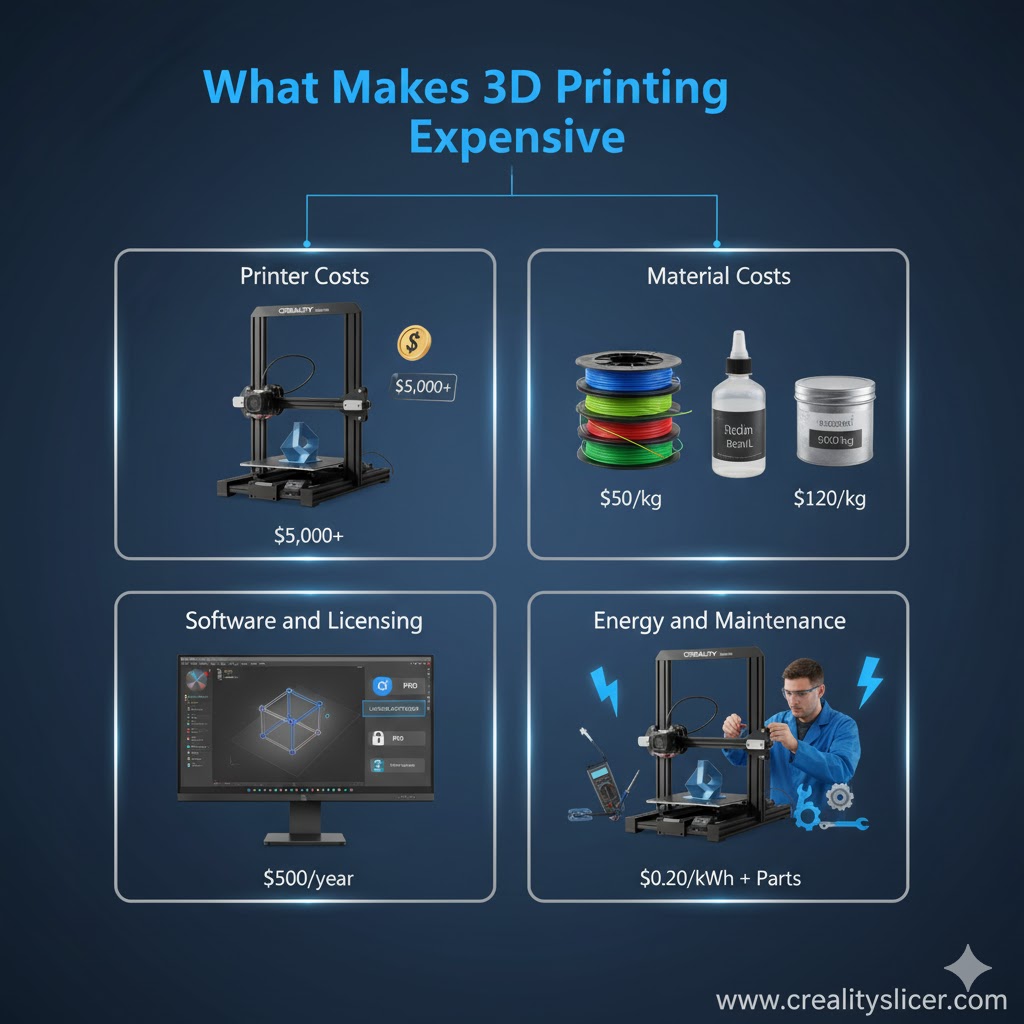
The cost of 3D printing is not limited to the machine itself. It comes from a combination of hardware, materials, software, energy, and ongoing maintenance. Each of these elements plays a major role in determining whether 3D printing feels affordable or expensive.
Printer Costs
The biggest upfront expense is the printer. Costs vary widely depending on the user’s needs:
- Entry-level hobby printers: $200–$600 (e.g., Creality Ender 3, Anycubic) — affordable for beginners.
- Prosumer printers: $800–$5,000 (e.g., Prusa XL, Bambu Lab X1) — designed for advanced users and small businesses.
- Industrial printers: $50,000–$500,000+ (e.g., Stratasys, EOS) — high-precision machines for aerospace, automotive, and healthcare.
The type of printer you choose largely defines your initial investment.
Material Costs
Filament and resin are recurring expenses that quickly add up:
- PLA filament: $20–$30 per kg — budget-friendly and beginner-friendly.
- PETG/ABS: $25–$40 per kg — stronger but pricier.
- Nylon/Polycarbonate: $60–$120 per kg — advanced engineering-grade plastics.
- Resins (SLA/DLP): $50–$200 per liter — used for high-detail parts.
- Metal powders (SLM/DMLS): $300–$600 per kg — reserved for industrial metal printing.
Material type affects both print quality and print cost, making it one of the most influential factors in 3D printing expenses.
Software and Licensing
While hobbyists often rely on free slicers like Ultimaker Cura or PrusaSlicer, businesses frequently require professional CAD and simulation tools.
- Basic slicers: Free and open-source.
- Enterprise CAD licenses: $2,000–$6,000 annually.
For companies, software licensing can become a substantial yearly cost, especially when multiple seats are required.
Energy and Maintenance
Operating a printer also carries hidden costs in electricity and upkeep:
- Desktop printers: Consume about 50–150 watts per hour, fairly inexpensive for hobbyists.
- Industrial printers: SLS/DMLS machines can use 5–15 kWh per hour, translating into high electricity bills.
Maintenance adds to costs through the replacement of nozzles, hotends, resin tanks, and build plates. These consumables wear out over time and must be replaced regularly to maintain print quality.
How Much Does a 3D Print Really Cost?
Let’s calculate:
| Print Type | Printer Type | Material | Print Size | Approx. Cost |
| Small PLA toy | Hobby FDM | PLA ($25/kg) | 50g | ~$1.25 |
| ABS prototype | Prosumer FDM | ABS ($30/kg) | 200g | ~$6 |
| SLA resin model | Desktop SLA | Resin ($80/l) | 100ml | ~$8 |
| Industrial Nylon part | SLS machine | Nylon powder ($70/kg) | 500g | ~$35 |
| Metal bracket | DMLS machine | Stainless steel ($400/kg) | 1kg | ~$400+ |
Why Is 3D Printing Sometimes Cheaper Than Traditional Manufacturing?
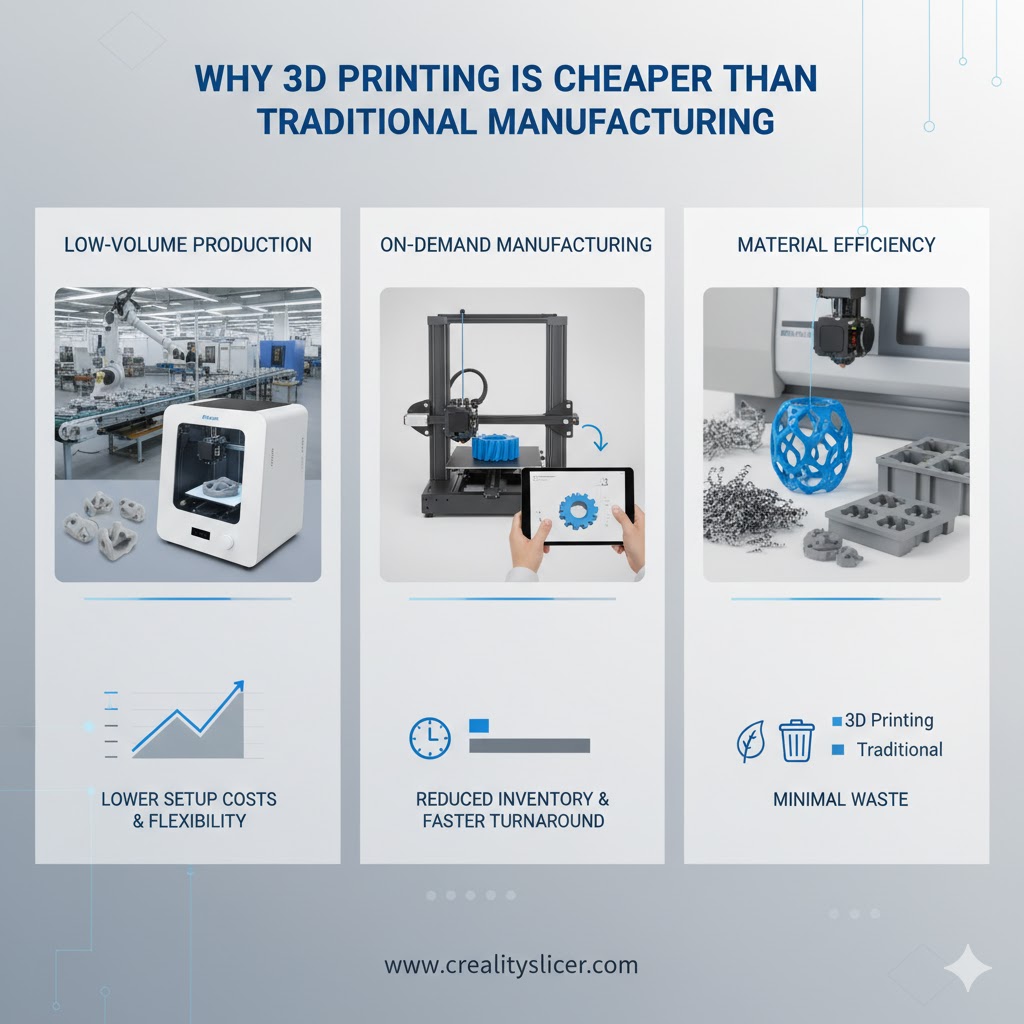
Low-Volume Production
3D printing eliminates the need for molds, making it cost-effective for prototypes and small runs.
On-Demand Manufacturing
Companies reduce warehouse costs by printing parts when needed.
Material Efficiency
Unlike CNC machining (subtractive), 3D printing is additive, wasting less material.
When Is 3D Printing Expensive?
Large-Scale Production
For mass production, injection molding is cheaper per unit once the mold cost is absorbed.
Exotic Materials
Titanium, carbon-fiber reinforced polymers, or metal powders significantly increase costs.
Post-Processing
Finishing, sanding, curing, and painting add both labor and material costs.
What Are the Hidden Costs of 3D Printing?
While the upfront cost of buying a 3D printer and filament may seem straightforward, there are hidden expenses that can significantly increase the overall cost of ownership. These indirect costs often surprise beginners and even small businesses who expect 3D printing to be cheap.
Let’s break them down.
Failed Prints and Wasted Materials
One of the biggest hidden costs in 3D printing is failed prints. Studies show that 20–30% of beginner prints fail, usually because of poor bed adhesion, incorrect slicer settings, or clogged nozzles. Every failed print means wasted filament or resin, wasted electricity, and wasted machine time.
Learning Curve and Skilled Labor
3D printing is not always plug-and-play. There is a steep learning curve when it comes to calibration, slicing software, and material optimization. Beginners spend time experimenting with settings, often producing unusable parts before achieving good results. In professional settings, companies must either train staff or hire skilled 3D printing technicians, which adds indirect labor costs to the overall expense.
Environmental Control and Storage Needs
Not all filaments are equally easy to print. Advanced materials such as Nylon, Polycarbonate, and ABS are highly sensitive to humidity and temperature fluctuations. To print them successfully, users often need:
- Enclosures to regulate airflow and temperature.
- Dry boxes or filament dryers to keep materials moisture-free.
- Ventilation systems to handle fumes from ABS or resin.
These environmental control systems increase upfront setup costs and add recurring expenses in electricity and maintenance.
Adhesives, Build Surfaces, and Accessories
3D printers require ongoing consumables to maintain performance. Adhesives like glue sticks, bed tapes, or specialty sprays (e.g., Magigoo, Dimafix) are needed for bed adhesion. Build plates wear down and may need replacement after extensive use. Resin printers require alcohol for cleaning, UV curing stations, and spare vats. Even tools like calipers, nozzles, and spatulas become recurring purchases.
Why is 3D Printing Expensive for Businesses?
For businesses, 3D printing is an investment rather than just a cost.
- Automotive companies save millions annually by 3D printing jigs and fixtures.
- Aerospace manufacturers like GE use 3D printing for fuel nozzles, reducing part count from 20 to 1, saving assembly labor.
- Dental labs produce crowns and aligners at a fraction of the traditional price.
While upfront costs are high, the ROI is clear in reduced lead times, part consolidation, and supply chain flexibility.
How Can You Reduce the Cost of 3D Printing?
Although 3D printing can get expensive, there are proven strategies to keep costs under control. From design optimization to smarter material choices, users can significantly reduce expenses without compromising quality.
Optimize Models to Use Less Material
The design stage is the first opportunity to save money. By optimizing CAD models, you can minimize the amount of filament or resin required. Features such as thinner walls, reduced overhangs, and efficient support structures all contribute to material savings. Using lattice structures instead of solid designs can reduce material use by up to 40%, while still maintaining strength.
Print Hollow Parts with Infill Instead of Solid
Printing parts solidly consumes far more filament than necessary. Most prints don’t need to be solid; instead, you can use infill patterns (like grid, gyroid, or honeycomb) to make prints lightweight yet strong. Printing with 15–25% infill, instead of 100%, dramatically lowers material costs and reduces print time, cutting both energy consumption and wear on the printer.
Use Cheaper Filaments for Prototypes
Not every model needs to be printed with expensive engineering-grade materials. For test fits and prototypes, you can use low-cost filaments like PLA, which costs as little as $20 per kg. Reserve high-performance materials like Nylon or Polycarbonate for final functional parts. This approach helps keep experimentation and trial-and-error affordable.
Maintain Printers to Reduce Failures
Regular maintenance prevents costly breakdowns and reduces the risk of failed prints. Cleaning nozzles, lubricating rods, checking belts, and replacing worn parts ensures smoother operations. Since 20–30% of prints can fail due to mechanical or setup issues, good maintenance directly translates into less wasted filament and fewer reprints.
Final Verdict: Is 3D Printing Expensive?
The answer depends on who you are and what you’re printing.
- For hobbyists: No, it’s affordable. A $300 printer and $25 filament can produce hundreds of parts.
- For small businesses: It’s a moderate investment that pays off through rapid prototyping.
For industrial users: Yes, upfront costs are high, but ROI comes from long-term efficiency, customization, and supply chain advantages.

Hi, I’m Mark Stevens. I love exploring 3D printing and diving deep into slicer software. I spend my time testing slicer settings, comparing features, and sharing tips to help creators get smoother, faster, and more reliable prints. My goal is to make slicer tools easy to understand and use, whether you’re a beginner or a seasoned 3D-printing enthusiast.

